TP-Link Archer TX20UH AX1800 review: the Wi-Fi adapter that finally stopped me thinking about Wi-Fi
Easy to install, unobtrusive and completely reliable in my difficult home-office location. It replaced regular weak signals, slowdowns and dropped connections with Wi-Fi that I no longer need to think about.
Pros
- Extremely easy to install
- Windows recognised it without difficulty after driver installation
- Immediate improvement in connection stability
- No memorable disconnections since installation
- No noticeable severe speed slowdowns
- Reliable during work and video calls
- Long cable allows flexible positioning
- Takes up almost no useful desk space
- Antennas have worked well without careful positioning
- Excellent value for the historical price paid
Minor drawback
No formal speed tests or measured signal-strength figures are available; the broadband had also recently been upgraded, gaming, virtual reality and extensive streaming were not tested, and long-term performance has only been assessed over several months.
For years, I accepted unreliable Wi-Fi as one of those unavoidable features of owning a computer.
Connections dropped out, speeds wandered up and down, and video calls occasionally froze at the precise moment my face had arranged itself into something unfortunate.
This happened across different computers, laptops and whatever basic wireless hardware happened to be installed at the time. I never paid much attention to the exact adapters because they all appeared to operate according to the same principle: work adequately until something important begins.
That finally became too irritating to tolerate.
I ordered the TP-Link Archer TX20UH AX1800 USB Wi-Fi 6 adapter on 30 January 2026 and paid £26.98.
It has made a far greater difference than I expected.
My office is not conveniently located for Wi-Fi
The router is near the front door on the ground floor.
My desktop computer is in an upstairs bedroom at the back of the house, separated from the router by another floor, several walls and the general determination of a British house to prevent wireless signals travelling anywhere useful.
This was particularly annoying while working from home.
Slow internet is inconvenient when browsing. A connection disappearing during a work call is considerably worse, especially when everybody else continues discussing something while you remain frozen on screen looking intensely surprised.
Weak signals, slower speeds, dropouts and difficulty reconnecting all occurred regularly enough that I had stopped treating them as faults and started treating them as weather.
Why I chose the TP-Link Archer TX20UH
I chose this model mainly because it was consistently well reviewed and appeared to offer good value.
We had recently upgraded the broadband connection, so it seemed sensible to upgrade the part responsible for getting that connection from one end of the house to the desktop.
There was little point paying for much faster broadband if the computer continued receiving it through the technological equivalent of two tin cans and a piece of string.
The TX20UH supported the newer Wi-Fi standard I wanted and cost considerably less than replacing the computer or drilling holes through several walls.
At £26.98, it seemed worth trying.
Installation was extremely easy
This was one of the easiest computer upgrades I have completed.
I installed the required driver, connected the adapter by USB and Windows recognised it without difficulty.
There was no lengthy configuration, no mysterious error message and no point where the instructions casually suggested editing something called the registry.
It connected and began working.
That should be the normal experience with computer equipment, but it happens rarely enough to feel like a special feature.
I have not even needed to position the antennas properly
The adapter has two adjustable antennas and connects through a cable approximately 1.2 metres long.
I originally expected to spend time experimenting with its position. I imagined mounting it on a wall, moving it outside the room or wandering around the office holding it above my head like somebody searching for Radio Luxembourg.
None of that has been necessary.
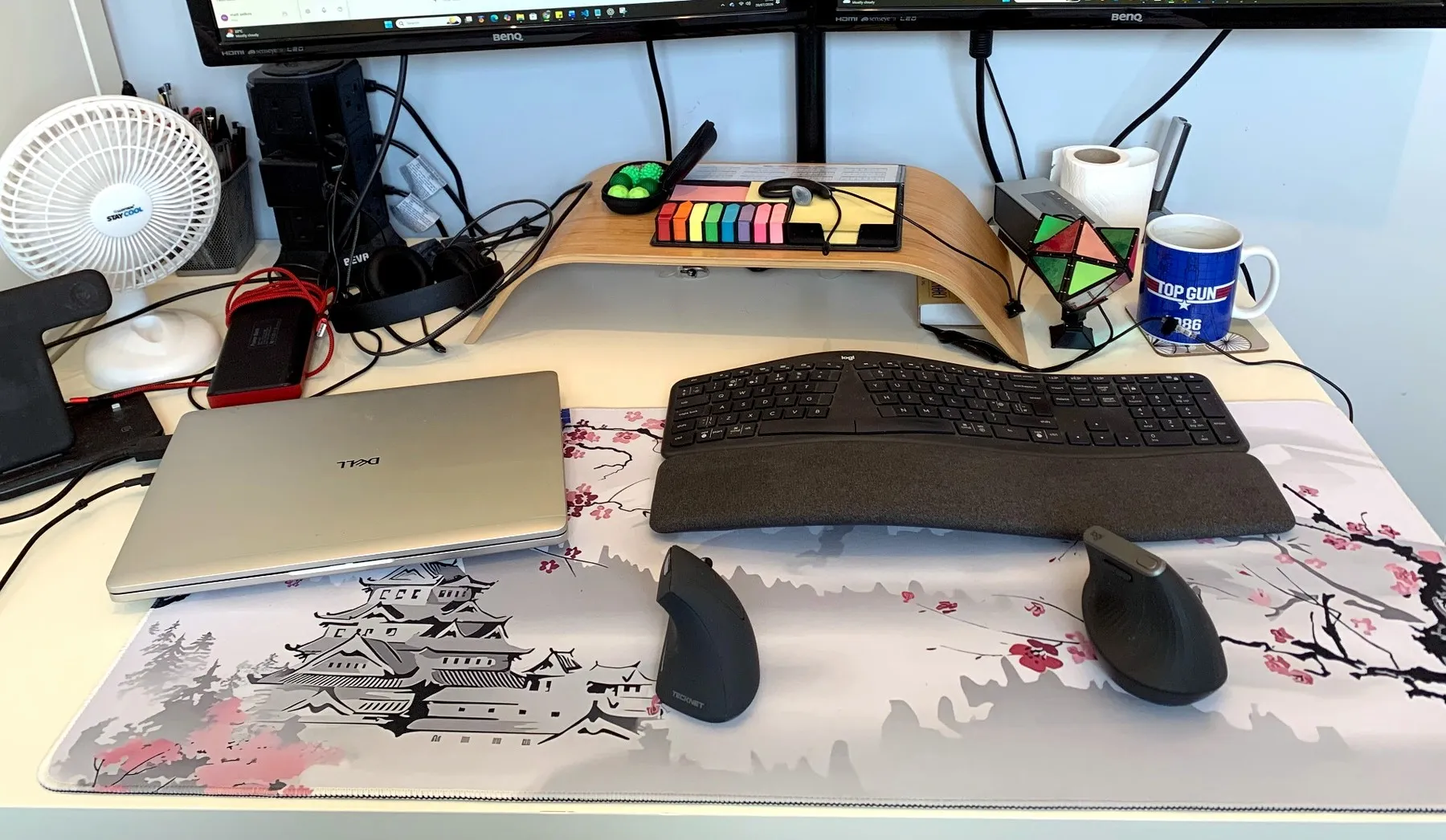
It currently sits at the far end of the desk with the antennas still largely folded. Even in this thoroughly unscientific position, it works extremely well.
The cable is useful because the adapter does not have to remain hidden directly behind the computer tower. It can sit at the edge of the desk, away from the main collection of cables and metal equipment.
It takes up almost no useful space, and most of the time I forget it is there.
The improvement was immediate
The difference was noticeable as soon as I began using it.
The connection became faster and, more importantly, much more stable.
I have not experienced a single memorable dropout since installing it. I have not had meetings interrupted, struggled to reconnect or noticed the connection suddenly slowing to the point where ordinary work becomes difficult.
The adapter handles:
- Work applications
- Video calls
- General web browsing
- File transfers
- Images and online documents
- Long working days with several services open
I do not regularly use this particular computer for gaming, virtual reality or extensive video streaming, so I cannot honestly assess it for those activities.
For normal home-office use, however, it has been faultless.
The broadband upgrade complicates the scientific analysis
The household broadband had also recently been upgraded, so this was not a controlled laboratory experiment.
However, the new broadband had already been installed for around two weeks and I was still experiencing issues with the old computer connection.
Those problems disappeared after the TP-Link adapter was installed.
I cannot provide carefully measured before-and-after speed figures, signal charts or a graph showing how much happier the computer became.
I can say that the connection went from something I noticed for the wrong reasons to something I no longer think about at all.
That is a very meaningful improvement.
It stays out of the way
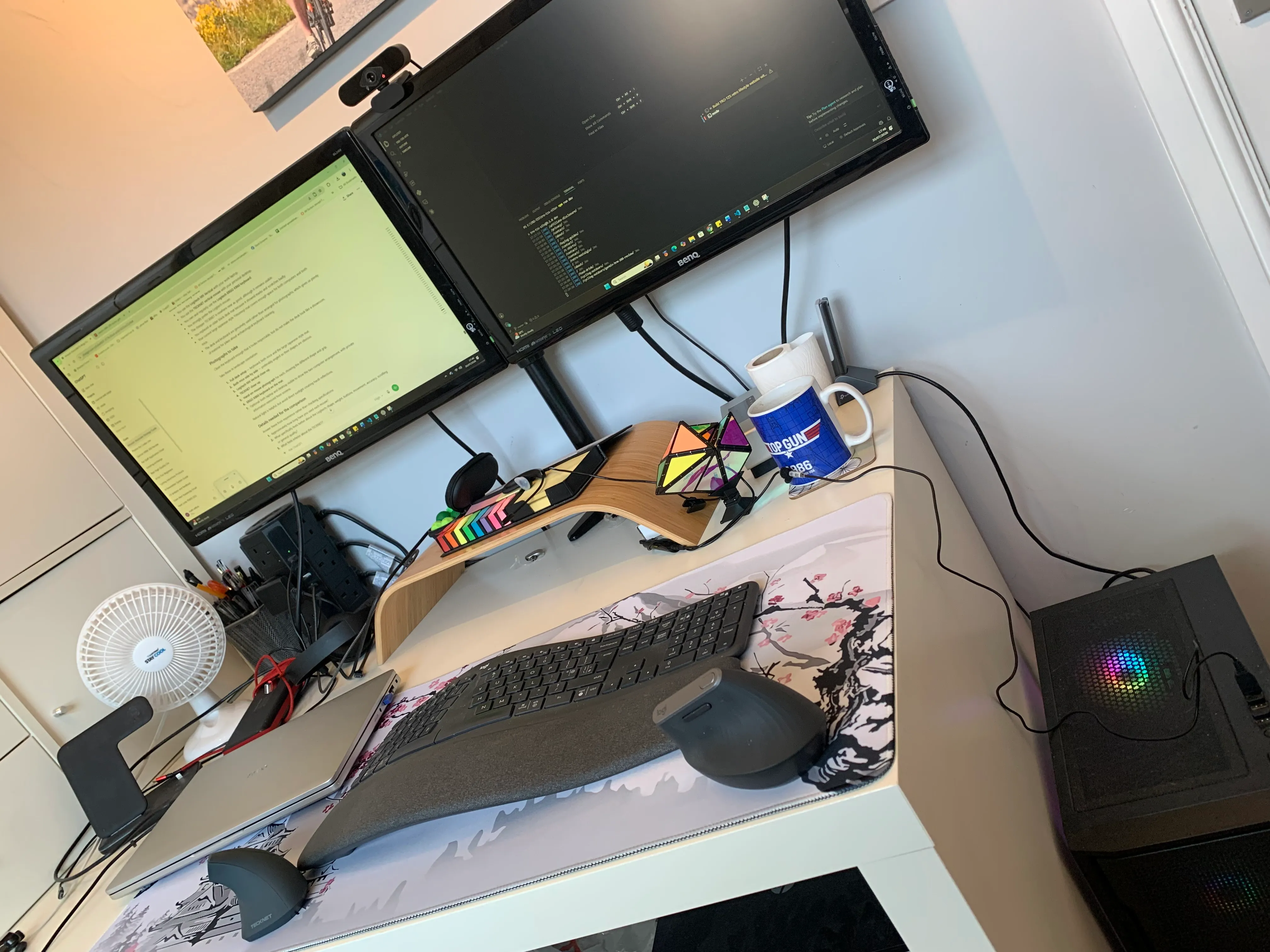
The adapter sits at the end of the desk and does not interfere with the keyboard, mice, monitors or other equipment.
The cable gives enough freedom to position it sensibly without creating another object in the main working area.
I have not noticed it becoming excessively hot, making noise or requiring any attention after installation.
It does not flash dramatically, demand regular updates or attempt to become the central attraction of the office.
It simply maintains the connection.
This is exactly the level of ambition I want from a Wi-Fi adapter.
The adapter is one of the small upgrades included in my complete dual-computer ergonomic desk setup.
Reliability matters more than impressive specifications
The product name contains enough letters and numbers to suggest it should be attached to a military aircraft.
In daily use, however, its most important feature is much simpler: it works.
I no longer enter a video call wondering whether the connection will survive. Pages load properly, work systems remain connected and the desktop uses the broadband service we are actually paying for.
There may be faster adapters and more expensive networking equipment available, but I have no incentive to replace something that has solved the problem completely.
A successful piece of office technology is often the one you gradually stop noticing.
The TP-Link has become almost invisible, which is the highest praise I can give equipment that exists solely to prevent irritation.
Is there anything I dislike?
No.
Installation was simple, the cable is useful, the connection has been reliable and the adapter occupies almost no meaningful desk space.
I have not encountered a fault, disconnection or design decision that has caused a problem.
The only criticism I can manufacture is that I spent years putting up with poor connections before buying it.
That is not really TP-Link’s fault.
Was it worth £26.98?
Without question.
It has improved the home office more than many considerably more expensive products.
Reliable internet affects almost everything done on the computer. A better connection improves work calls, browsing, downloads and access to online systems without requiring any change in daily habits.
For less than £27, it removed a recurring source of frustration that had followed me across several machines.
It is difficult to calculate precisely what a stable connection is worth until you have spent part of a meeting frozen with your mouth open.
At that point, £26.98 begins to look very reasonable.
Would I buy it again?
Yes.
I would still look at the available models because technology changes, but another TP-Link Archer TX20UH would be the obvious starting point.
It has done exactly what I bought it to do, required almost no effort and has been completely reliable in my setup.
There is no complicated recommendation here.
I needed better Wi-Fi at the opposite end of the house, bought this adapter and stopped having Wi-Fi problems.
Verdict
The TP-Link Archer TX20UH AX1800 has transformed the wireless connection on my desktop computer.
My office is upstairs at the back of the house, while the router is downstairs near the front door. The previous connection regularly suffered from slow speeds, weak signals and dropouts, including during work calls.
Installation was straightforward, the cable allowed the adapter to sit at the edge of the desk, and I have not even needed to position the antennas carefully.
Since installing it, the connection has been fast, stable and effectively trouble-free.
I have not conducted formal speed tests, and the household broadband had also recently been upgraded, but the remaining computer connection problems disappeared when this adapter was fitted.
For £26.98, it has made a remarkable difference to my home-office setup.
It does exactly what it claims, does not demand attention and has finally stopped me thinking about Wi-Fi.
Rating: 5 out of 5
Purchased personally:
I ordered the TP-Link Archer TX20UH AX1800 USB Wi-Fi 6 adapter on 30 January 2026 and paid £26.98. This review is based on several months of regular home-office use.